
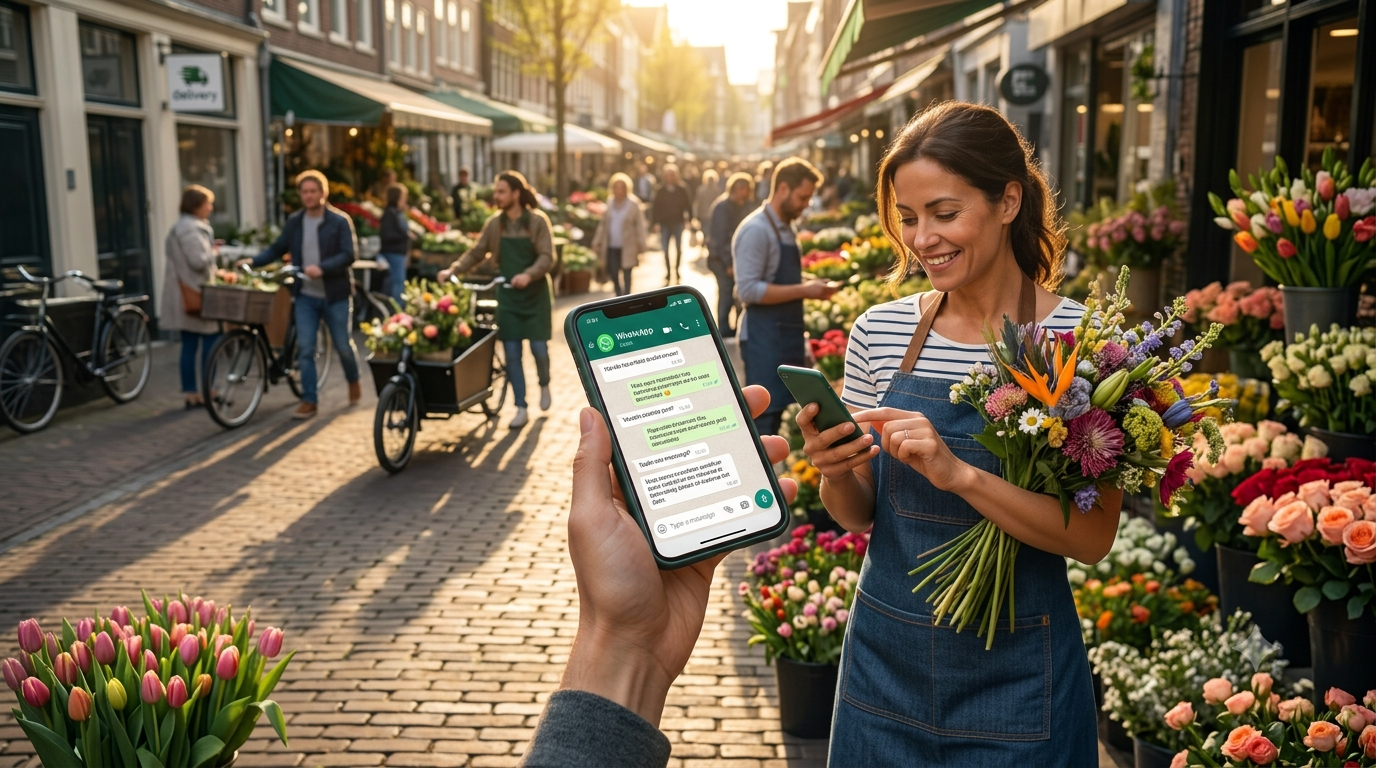
WhatsApp is no longer just an app for sending a quick text to friends or family. For millions of consumers worldwide, it has become the preferred channel to communicate with businesses. Whether it’s an urgent question about an order, booking an appointment, or personalized product advice, customers expect a fast, personal response. For business owners and marketers, this means you constantly have to be ‘on’ to manage the flood of incoming messages. If you want to scale your mobile support and minimize response times, it is essential to learn how to use ManyChat for WhatsApp effectively.
Manually answering every single chat message is simply not scalable and inevitably leads to slow response times and frustrated customers. Fortunately, ManyChat provides the perfect bridge between smart automation and human interaction. In this comprehensive guide, we explain step by step how to automate your customer service on WhatsApp so you can capture leads and generate sales while you are on the go.
💬 Ready to put your WhatsApp customer service completely on autopilot?
Get started today and take advantage of an exclusive limited-time offer: try all the powerful features completely free for an entire month.
1. Why Choose ManyChat for WhatsApp?
ManyChat is one of the most popular chat marketing platforms globally and serves as an official Meta partner. This means that through ManyChat, you gain secure, stable, and approved access to the official WhatsApp Business API. This brings massive operational advantages compared to the standard, free WhatsApp Business app on your phone.
With the WhatsApp Business API via ManyChat, you are no longer limited to a single phone or a handful of linked devices. You can have an unlimited number of customer support agents working simultaneously within the same chat dashboard from different locations. Furthermore, you can build advanced visual workflows that respond instantly to specific user keywords, buttons, or triggers. This ensures your customers get answers immediately, regardless of your time zone.
2. Key Features to Automate Customer Service On the Go
When you dive into the settings of ManyChat for WhatsApp, there are a few specific automations that immediately lower your team’s workload and boost your sales funnel conversion rates:
- Automated Welcome Messages: When a new customer starts a chat for the first time, the bot instantly fires a personalized greeting along with an interactive menu of Frequently Asked Questions (FAQs).
- Keyword Triggers: If a customer types a specific word like “status”, “shipping”, or “returns”, ManyChat recognizes it immediately and guides the customer automatically to the correct tracking info or digital return procedure.
- Live Chat Hand-off: Automation is powerful, but complex problems require a human touch. With ManyChat, you can set smart conditions. The moment the bot hits a roadblock, a live support rep receives a push notification via the mobile ManyChat app to take over the chat live.
3. Step-by-Step Blueprint: Building Your First WhatsApp Flow
Setting up an effective chatbot doesn’t have to be complicated. Thanks to ManyChat’s intuitive visual Flow Builder, you don’t need to write a single line of code or have technical expertise to master how to apply ManyChat for WhatsApp to your daily operations:
- Step 1: Connect your WhatsApp Business account to ManyChat via the official Meta integration.
- Step 2: Determine your customers’ top FAQs and convert them into clear, clickable choice buttons inside the interface.
- Step 3: Build the flow where the bot collects vital client details (like an email address or order number) and passes them via a webhook or native integration to your CRM or Google Sheets.
- Step 4: Thoroughly test the flow on your own mobile device using the preview feature before launching the automation live for your entire audience.
4. Best Practices for a High-Converting WhatsApp Chatbot
While automation saves you a massive amount of time, you must ensure the customer experience remains premium. WhatsApp is an intimate communication channel; people use it to talk to friends and family. Keep your chatbot responses short, clear, and conversational. Use emojis subtly to make the text visually engaging and approachable.
Additionally, absolute transparency is vital. Let your customers know right from the start that they are interacting with a digital assistant, but always provide a clear option in every menu to speak to a real human agent (“Speak to an agent”). This prevents user frustration, increases retention, and builds direct trust with your target market.
🚀 Scale your business without losing your flexibility
Let ManyChat handle the routine questions so you can stay focused on scaling your enterprise. Try it now 1 month free.
Conclusion: Always Available, Anywhere in the World
By transitioning to an automated mobile customer support structure, you reduce response latency to zero seconds while instantly elevating customer satisfaction. With ManyChat for WhatsApp, you transform a simple chat application into a fully fledged sales and support engine running entirely in the background. Whether you are in an important stakeholder meeting, traveling to a client site, or enjoying your personal time off, your WhatsApp Business channel remains indefatigably active—converting leads and resolving support questions entirely on autopilot.
💡 Scale Further: Maximize your operations right now in our definitive guide:
How To Reduce Support Tickets By 50% Using ManyChat Automations