
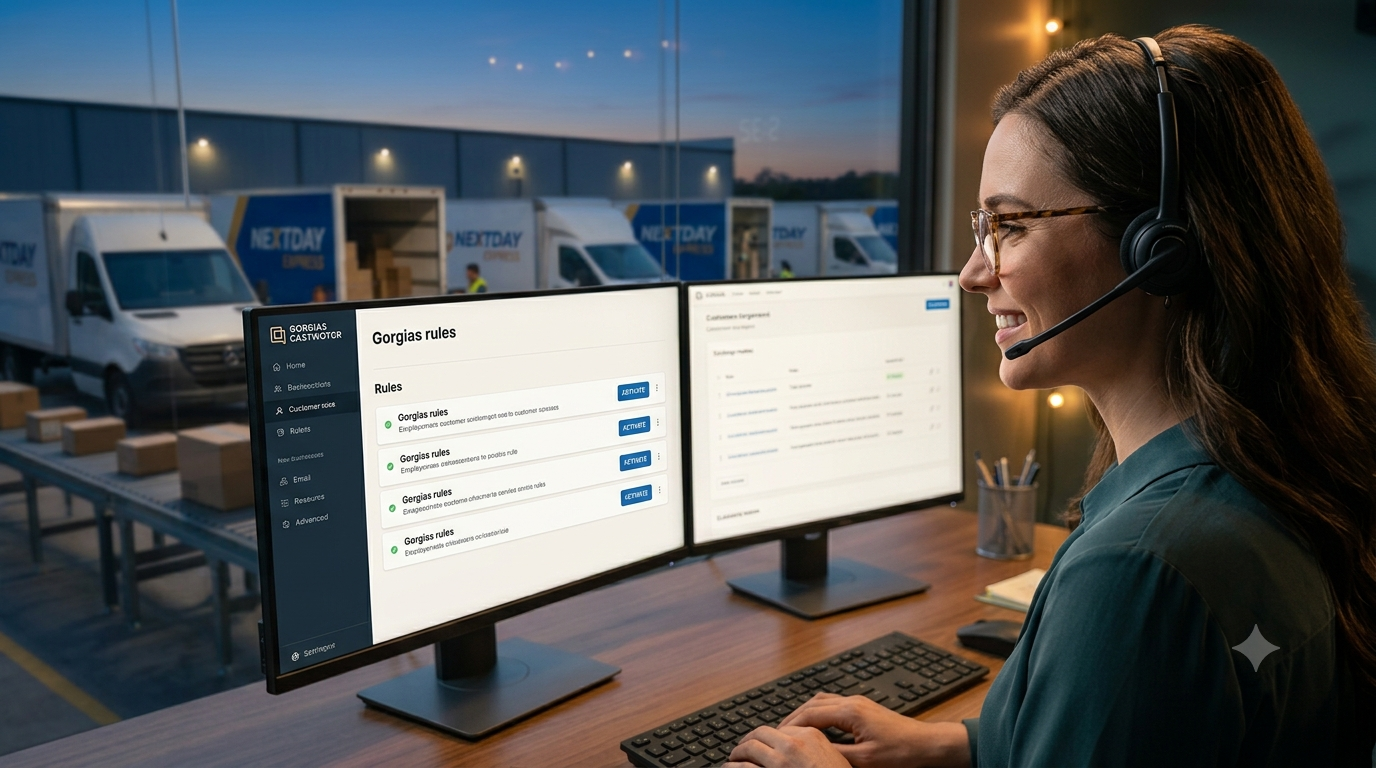
Managing an e-commerce support desk without automation is a fast track to burnout. As your order volume grows, your support team gets flooded with repetitive, mundane inquiries: “Where is my order?”, “Can I change my address?”, or “How do I start a return?” When support agents spend hours manually answering the exact same questions, ticket response times skyrocket, customer satisfaction drops, and high-intent sales leads fall through the cracks.
That is where Gorgias comes in. Designed specifically for e-commerce brands, Gorgias leverages native integrations with Shopify, BigCommerce, and WooCommerce along with powerful AI rules to handle up to 30–50% of routine support requests automatically.
Here are 5 essential Gorgias automation rules you can set up today to save your support team 20+ hours every week while boosting your conversion rate.
1. The Automated “WISMO” (Where Is My Order?) Rule
“Where is my order?” (WISMO) queries account for up to 40% of all incoming e-commerce support tickets. Manually searching for tracking numbers in Shopify and copy-pasting them into replies wastes dozens of agent hours every month.
How to set up this rule:
- Trigger: When a new ticket is created where the message contains intent around
order status,tracking, orwhere is my order. - Action: Use Gorgias variables to extract order tracking details directly from your store database.
- Auto-Response: Send an instant auto-reply with the current fulfillment status, carrier name, and active tracking link.
Impact: Resolves up to 30% of incoming tickets instantly without human intervention.
2. Order Cancellation & Address Modification Prioritization Rule
Timing is everything when a customer requests an address change or order cancellation right after purchasing. If a support ticket sits in a queue for 6 hours, the warehouse might ship the package to the wrong address, leading to costly reshipments, chargebacks, and bad reviews.
How to set up this rule:
- Trigger: Customer sends a message containing keywords like
cancel order,wrong address,change shipping address, orupdate order. - Action:
- Add a high-priority tag:
URGENT - Order Modification. - Set ticket priority to Urgent.
- Auto-assign the ticket to the active fulfillment manager on shift.
- (Optional) Trigger an automated HTTP action to temporarily pause order fulfillment in Shopify or your 3PL platform.
- Add a high-priority tag:
Impact: Reduces costly shipping errors and chargebacks while freeing up time spent managing failed deliveries.
🚀 Test Gorgias Automation Risk-Free Today
Ready to cut your ticket volume in half? Unlock the full suite of automated workflows, AI intent detection, and deep e-commerce integrations.
(7-day trial | All features unlocked | No credit card required)
3. VIP Customer Auto-Escalation & Tagging Rule
Not all support tickets carry equal revenue impact. Your repeat buyers and high-spending VIP customers deserve immediate attention to protect their customer lifetime value (LTV).
How to set up this rule:
- Trigger: A customer submits a ticket through live chat, email, or social media.
- Condition: Total spent in Shopify is greater than
$500OR total order count is greater than3. - Action: 1. Attach the tag
VIP Customer. 2. Escalate ticket priority to High. 3. Send an automated internal notification to your senior support team on Slack or Teams.
Impact: Keeps high-value customers happy without forcing agents to manually check order histories for every ticket.
4. Pre-Sale Lead Routing & Live Chat Conversion Rule
Customer support isn’t just a cost center—it is a critical sales channel. Pre-purchase questions (like sizing, stock availability, or compatibility) represent buyers who are ready to checkout right now if they get a quick answer.
How to set up this rule:
- Trigger: Incoming chat message on high-intent product pages or cart checkout pages containing terms like
discount,sizing,in stock, orshipping cost. - Action:
- Tag the ticket as
Sales Lead. - Assign the ticket directly to a sales representative or agent available on live chat.
- Auto-reply with an instant interactive option (e.g., product quick-links or discount code assistance).
- Tag the ticket as
Impact: Boosts on-site conversion rates by catching shoppers right before they drop out of the sales funnel.
5. Automated Post-Purchase Feedback & Sentiment Sorting Rule
Sorting through hundreds of customer reviews, post-delivery feedback messages, and survey responses takes hours of manual categorization. Smart sentiment-based automation lets you separate happy customers from unsatisfied ones automatically.
How to set up this rule:
- Trigger: Post-delivery customer response or review.
- Condition (AI Sentiment): Detect if customer sentiment is Negative or Positive.
- Action:
- If Negative: Auto-tag as
Negative Sentiment, assign to customer retention specialists, and auto-apply a proactive discount macro. - If Positive: Auto-reply with a thank you message and send an automated invite link to leave a public Trustpilot or Google review.
- If Negative: Auto-tag as
Impact: Protects your brand reputation, mitigates bad reviews early, and automates social proof generation.
Gorgias vs. Top E-Commerce AI Support Tools
While tools like Zendesk, Intercom, and Tidio offer support automation, Gorgias stands out due to its native deep integrations with e-commerce platforms like Shopify, BigCommerce, and Magento.
| Feature | Gorgias | Zendesk | Intercom | Tidio |
|---|---|---|---|---|
| E-Commerce Focus | 100% E-Commerce Native | General Helpdesk | SaaS & Product Apps | Small Business / Chat |
| Shopify Actions inside Chat | Edit/Cancel/Refund directly | Requires third-party apps | Limited integration | Basic view only |
| Rule Setup Speed | Ready-to-use templates | Complex custom workflow builder | Complex workflow builder | Simple drag-and-drop |
| WISMO Auto-Resolution | Built-in macro support | Requires custom webhooks | Custom setup needed | Manual workflow |
Summary: Automate Support & Scale Your E-Commerce Store
Implementing these 5 Gorgias automation rules eliminates hours of tedious manual tasks every week, improves customer response times, and lets your team focus on driving sales rather than clearing support queues.
⚡ Ready to Automate Your Support Operations?
Experience the full power of Gorgias automation rules, pre-built templates, and deep e-commerce integrations today.
(7-day trial | All features unlocked | No credit card required)
💡 Scale Further: Maximize your operations right now in our definitive guide:
How To Reduce Your First Response Time (FRT) Using Gorgias Helpdesk