
How to Set Up an AI Receptionist for Your Real Estate Business (Step‑by‑Step)
Setting up an AI receptionist used to be complicated. Not anymore. With Answrr, you can be live in under 10 minutes – no technical skills required. Here’s exactly how to do it.
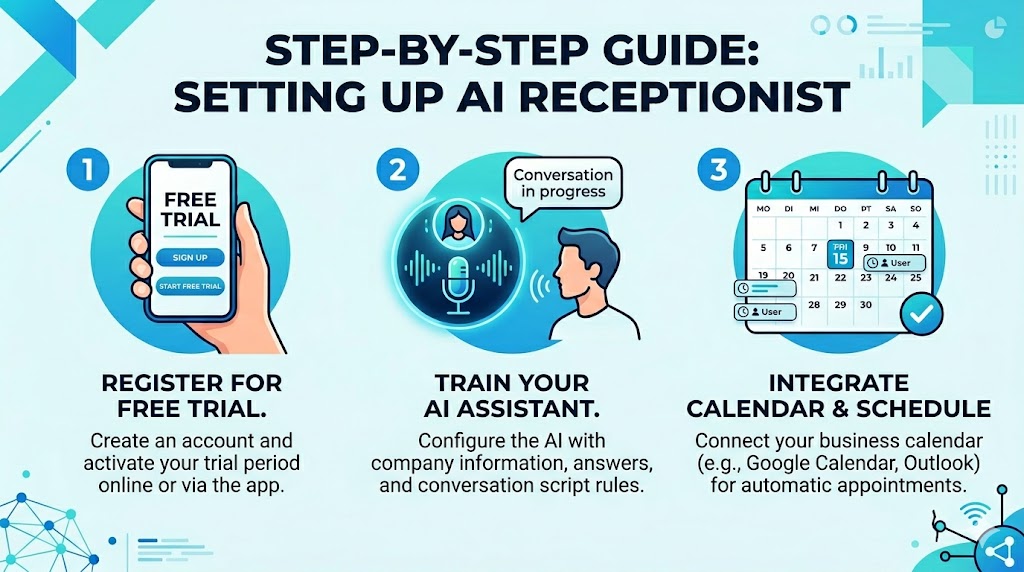
Step 1: Start Your Free Trial
Go to Answrr and click “Start Your Free Trial.” You’ll get 60 minutes of free call time and full access to all features. No credit card required.
Step 2: Let the AI Interview You
Instead of filling out forms, you’ll have a friendly conversation with Answrr’s AI onboarding assistant. It asks you about:
- Your business (real estate agency)
- Your services (buyer representation, seller listing, etc.)
- How you want calls handled (lead qualification, showing scheduling)
You speak naturally, and the AI builds your custom agent automatically. It takes about 10 minutes.
Step 3: Configure Your Calendar
Connect your calendar – Cal.com, Calendly, or GoHighLevel. The AI will check real‑time availability and book showings directly into your schedule. No double bookings, no phone tag.
Step 4: Customize Your Voice and Script
Choose from multiple natural‑sounding voices. You can also set up custom scripts for different scenarios – for example, how to handle buyer inquiries or what to say when asking about budget.
Step 5: Forward Your Number
Keep your existing business number. Simply set up call forwarding (takes 30 seconds in your phone system settings). Once forwarded, your AI receptionist starts working immediately – 24/7.
Step 6: Test and Optimize
Make a few test calls to ensure everything sounds right. You can always adjust scripts, voice, or routing rules in your dashboard. Answrr also provides call transcripts and analytics so you can continuously improve.
Step 7: Watch Your Calendar Fill Up
From now on, every call is answered. Leads are captured. Showings are booked automatically. You wake up to a full schedule instead of voicemails to return.
Get Started Today
It’s never been easier to set up an AI receptionist for your real estate business. Click the link below and be live in 10 minutes.