
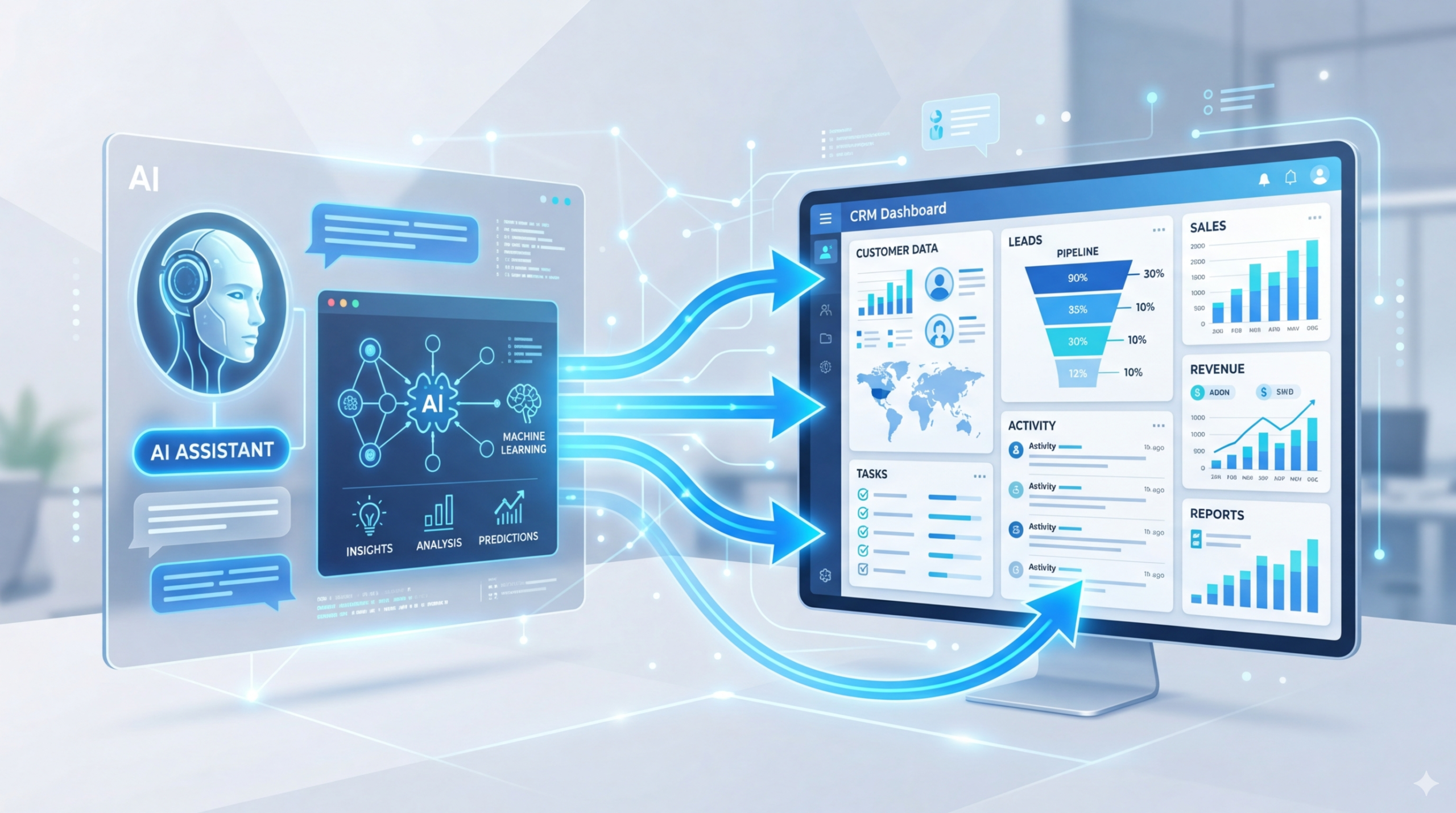
Your CRM is the brain of your real estate business. It holds your leads, contacts, and transaction history. But if new buyer calls aren’t automatically added, you’re missing opportunities.
An AI receptionist can plug directly into your CRM, creating a seamless workflow that captures leads and logs every interaction – without you lifting a finger.
Why CRM Integration Matters
Most real estate agents use a CRM to track leads, manage follow-ups, and monitor pipeline progress. But when a buyer calls, critical information often gets lost:
- The caller’s name and number
- Their budget and timeline
- Their property preferences
- The showing they just booked
With AI-CRM integration, all of this data flows automatically into your system .
Which CRMs Work with AI Receptionists?
Answrr integrates with:
- Cal.com, Calendly, GoHighLevel – for showing scheduling
- Zapier & Make – to connect with virtually any CRM (Follow Up Boss, Salesforce, HubSpot, LionDesk, kvCORE)
- Custom API – for enterprise setups
What Gets Automated
When a buyer calls and the AI qualifies them, the following happens automatically :
- New contact created – name, phone number, and call summary saved
- Lead score updated – based on budget and timeline
- Task created – follow-up reminder for the agent
- Showing booked – added to calendar with confirmation sent
- Pipeline stage updated – lead moves from “inquiry” to “showing scheduled”
Step-by-Step: Setting Up Your AI + CRM Workflow
- Choose your CRM – most agents use Follow Up Boss, Salesforce, HubSpot, or LionDesk
- Connect via Zapier – create a “Zap” that triggers on new calls
- Map the data – send caller name, phone number, and call summary to the right fields
- Set lead scoring – flag callers with budget and timeline as “hot”
- Automate follow-up – send a text or email immediately after the call
Real-World Example
A real estate office in Denver uses Answrr + Follow Up Boss. When a buyer calls:
- The AI qualifies the lead (budget, area, timing)
- A new contact is created in Follow Up Boss
- The call summary is saved in the contact’s notes
- The agent receives a Slack notification: “Hot lead – $600k budget, wants downtown loft, call back within 30 minutes”
The result: response times dropped from hours to minutes, and the office saw a 40% increase in conversion from initial call to showing .
What to Look for in a CRM-Ready AI Receptionist
| Feature | Why It Matters |
|---|---|
| Webhooks / API | Allows real-time data push to any system |
| Zapier / Make support | No-code automation for non-technical users |
| Call transcripts | Full context for your CRM notes |
| Lead scoring | Prioritize hot leads automatically |
| Custom fields | Map call data to the fields you actually use |
Answrr delivers all of these out of the box.
Start your free 14-day trial and connect it to your CRM today.