
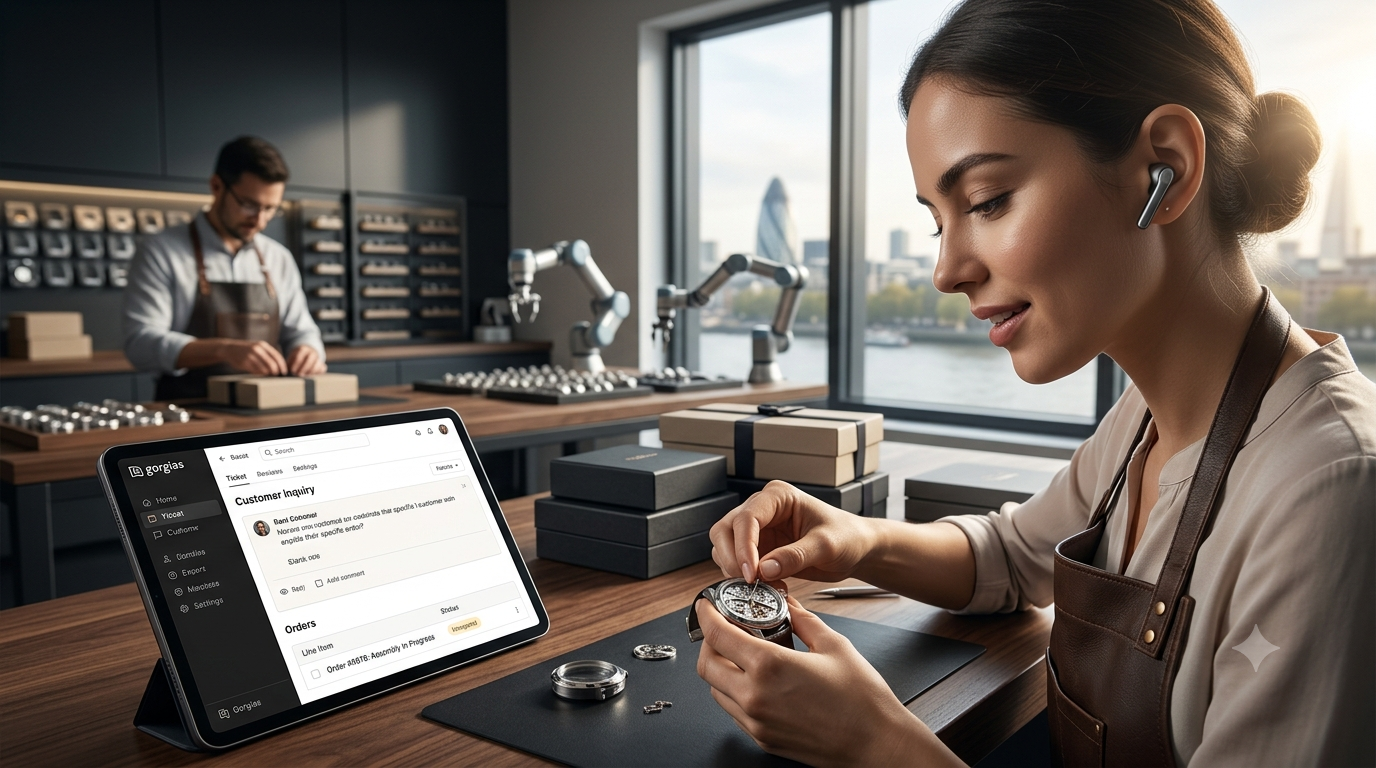
As an e-commerce brand, customer service is the engine behind your retention. However, as soon as your online store starts growing, inboxes on Shopify, Instagram, Facebook, and email quickly transform into chaotic noise. Support agents lose valuable time switching tabs, manually looking up order numbers, and repeatedly answering the exact same questions.
Gorgias is built specifically to solve this problem. It is the ultimate helpdesk for e-commerce brands because it integrates directly with your online store’s core infrastructure. In this deep-dive guide, we will walk you step-by-step through the perfect Gorgias setup to scale your support, minimize response times, and skyrocket your conversion rate.
🎁 Exclusive SmartRepl Deal: Ready to get started with the ultimate e-commerce helpdesk? Sign up via our official partner link for a 7-day free trial with all features unlocked. No credit card required to start!
Step 1: Connecting Core E-Commerce Integrations (Shopify or WooCommerce)
The absolute superpower of Gorgias is its deep native integration with e-commerce platforms. Unlike generic helpdesks (such as Zendesk or Freshdesk), Gorgias pulls live customer data right next to every single support ticket.
- Navigate within your Gorgias dashboard to Settings > Integrations > E-commerce.
- Select your platform (e.g., Shopify) and add your store URL.
- Grant the required permissions to synchronize your data.
The Result: As soon as a customer emails, chats, or sends a DM, your support team instantly sees their complete order history, live package tracking codes, lifetime value (LTV), and even options to cancel or refund orders directly inside Gorgias. This saves an average of 2 to 3 minutes per ticket.
Step 2: Setting Up Omnichannel Reach (Socials, Chat & Voice)
Modern consumers expect you to be available everywhere. With Gorgias, you bring all these channels into one central feed:
1. Social Media (Instagram & Facebook)
Connect your Facebook Business Page and Instagram Business Account. Gorgias imports not only your Direct Messages (DMs) but also comments on your posts, Reels, and active ad campaigns. Responding directly through Gorgias dramatically improves your ad ROI.
2. The Gorgias Live Chat Widget
Embed the Gorgias chat widget on your storefront. Set it up strategically with ‘Quick Replies’ and pre-chat forms to handle common questions (like “Where is my order?”) before they even hit your support queue.
Step 3: Building Powerful Macros and Automations
Scaling your store without burning out your team requires smart automation. Gorgias achieves this through Macros (templates with dynamic variables) and Rules (automated backend actions).
| Inquiry Type | Manual Handling Time | Gorgias Automation (Macro/Rule) |
|---|---|---|
| “Where is my order?” (WISMO) | 3 – 4 minutes | Automated Rule fetches the Shopify tracking link and responds within 1 second. |
| Address change post-purchase | 5 minutes | One-click macro that confirms new details and updates Shopify dynamically. |
| Discount code not working | 2 – 3 minutes | Macro that automatically generates a unique customer retention voucher. |
How to set up an automated ‘WISMO’ (Where Is My Order) Rule:
- Go to Settings > Rules > Create Rule.
- Set the trigger to: When a new ticket is created.
- Add the condition: If message intent contains “order/status”.
- Set the action to: Reply with Macro and inject the tag
{{ticket.customer.shopify.last_order.tracking_url}}.
By implementing this, you can deflect up to 30% of your total ticket volume completely on autopilot, giving your team massive breathing room.
🚀 Ready to streamline your support workflow? Test all premium rules and macros completely free. Sign up right away via the Gorgias 7-day trial link and unlock all features with no strings attached.
Step 4: Structuring Tags and Views for Your Team
When multiple agents operate inside the helpdesk, clear structure is mandatory. Build dedicated ‘Views’ (folders) on the left sidebar of your dashboard based on automated tags:
- Urgent / Cancellations: Messages requiring immediate action before a package leaves the warehouse.
- Social Comments: Lower direct support priority, but crucial for marketing and community engagement.
- VIP Customers: Customers with a high Customer Lifetime Value (LTV), dynamically segmented via Shopify data.
Conclusion: Turn Support from a Cost Center into a Revenue Driver
A flawless Gorgias setup ensures your online store is fully prepared to handle heavy order volumes during peak periods like Black Friday or massive influencer campaigns. By centralizing channels and automating repetitive flows, you transform customer service from a reactive cost center into a proactive revenue-generating engine.
🔥 START SCALING YOUR STORE TODAY: Provide your customers with the lightning-fast support experience they deserve and instantly boost conversions with Gorgias.
👉 Click here to claim your 7-day Free Gorgias Trial!
💡 You might also find this interesting: Read our deep-dive guide on How To Set Up Automated Replies In Gorgias Without Losing The Human Touch to optimize your setup further.